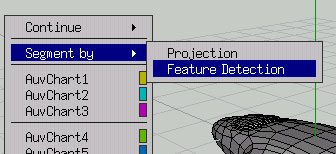
Wings3D has a nifty option that will detect the main features on your model and create a zone for each one:
Here's the result:

Hmmm, not quite what I expected. I think the plane would have to have more defined "elbows" to have the wings mapped out as different features. So I try the projection feature, too:
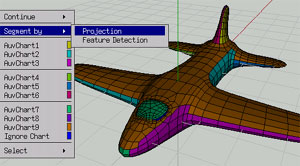
That looks much better. I'll be able to paint the plane's wings all in one go and the cockpit is one area as well.
If you look closely, there are some areas I could clean up by selecting the faces and setting them to the appropriate zone with a right-click:

For this tute, I won't bother cleaning up those small details.
Now comes the good part -- the image is flattened out.
<<-page 2 | page 4 ->>